
Create your profile
Sign up, verify your account and add your health details.
Records, manually logged vitals and appointment requests on Android.
Get it on Google PlaySign up, verify your account and add your health details.
Upload records and enter measurements you want to track.
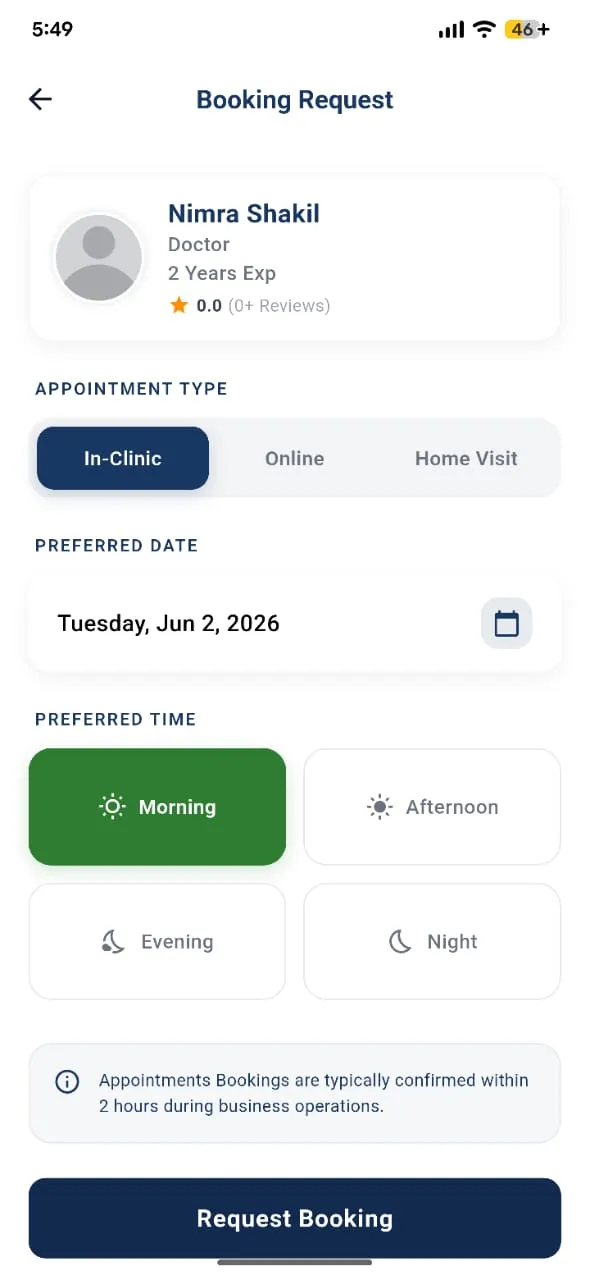
Choose a provider and preferred date. The care team confirms availability.
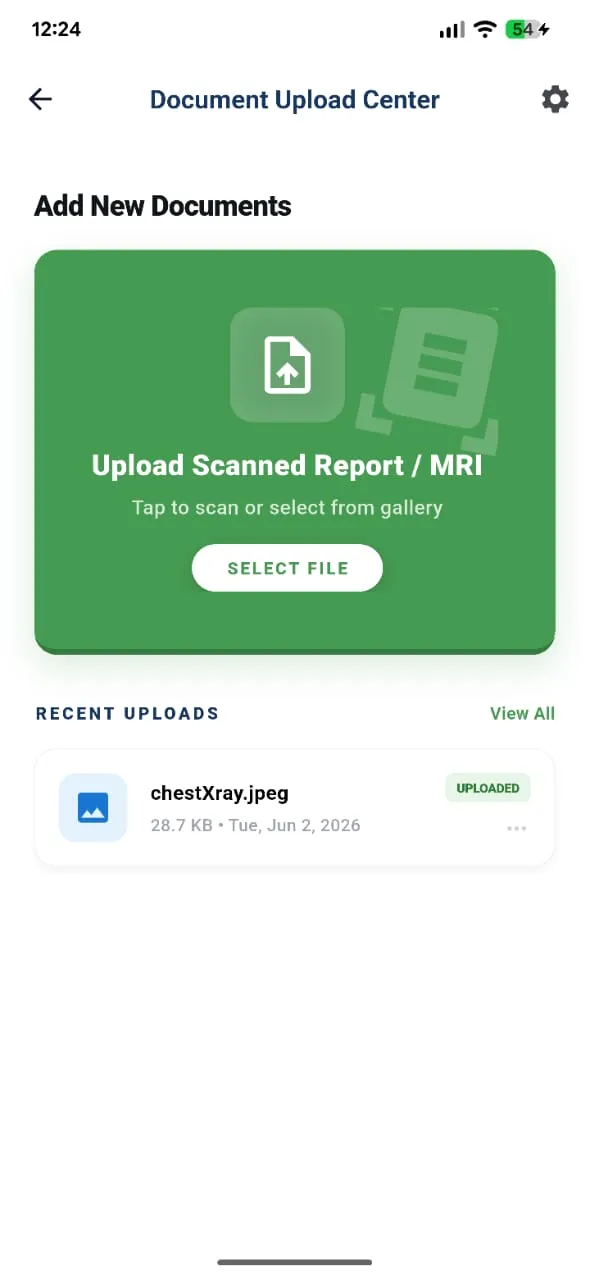
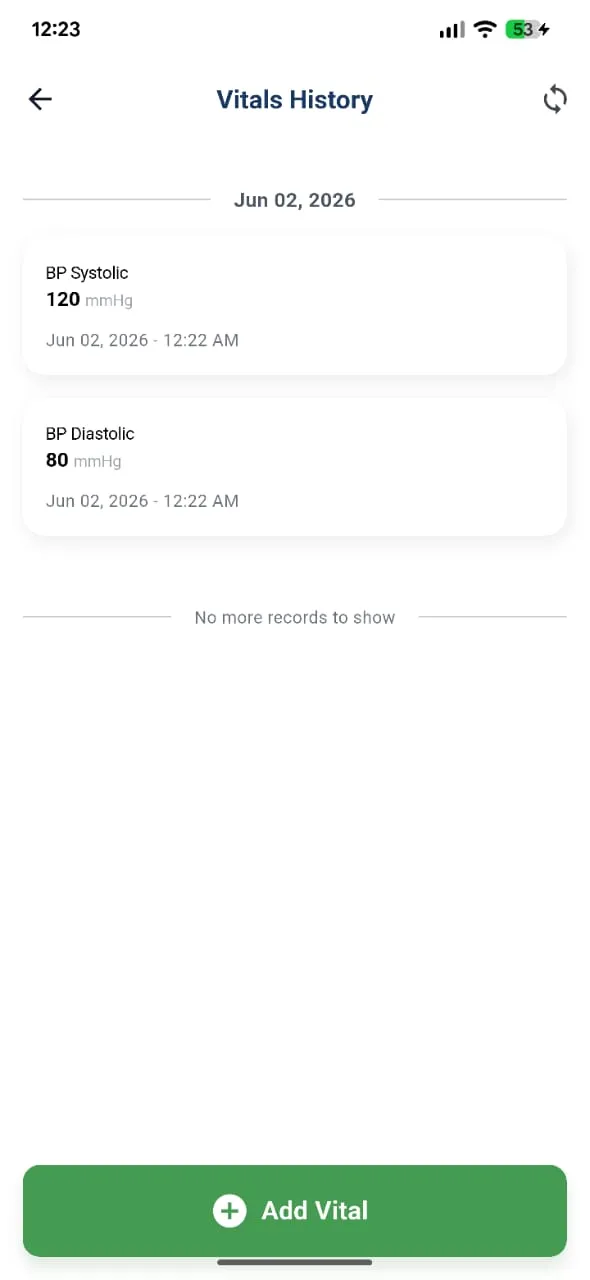
The app’s AI can use your uploaded reports and recorded vitals in its responses. It does not diagnose or replace a clinician. Membership benefits are separate from app accounts; the new paid plans are still a proposal.